Draft for legal review before launch. Bracketed items are still to be filled in. Last updated 3 October 2026.
Privacy
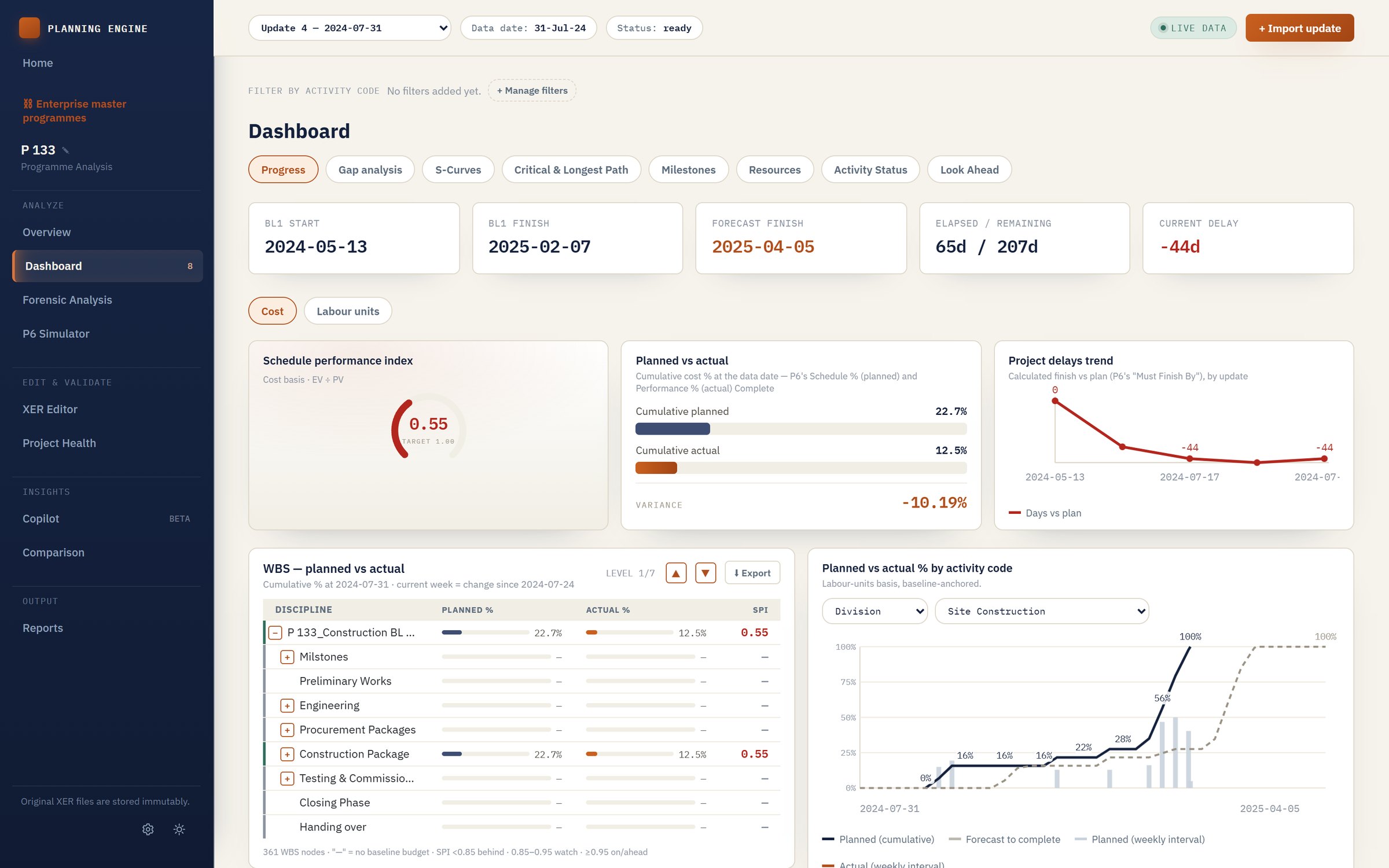
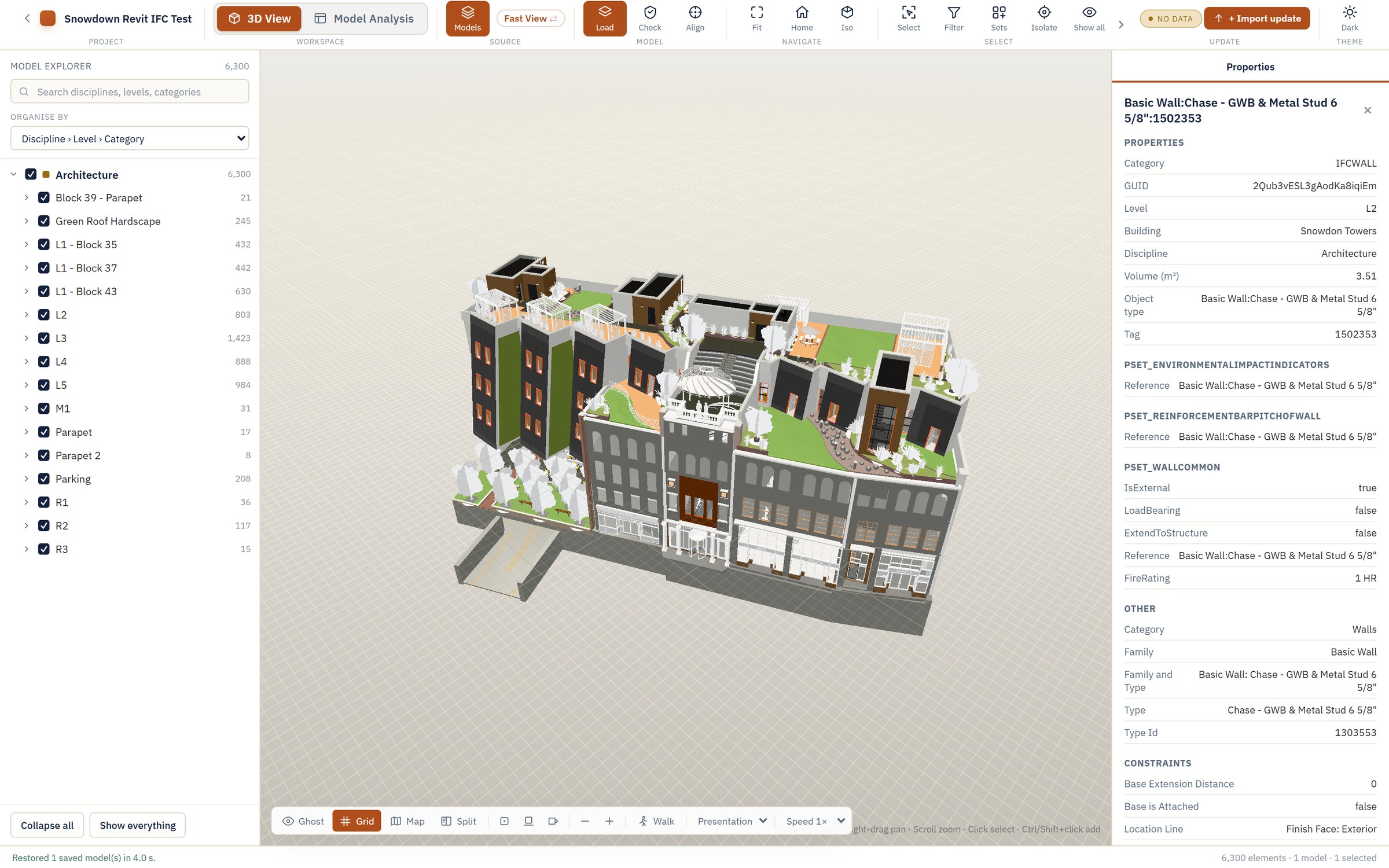
PBM Dynamics ([company legal name and registered address]) makes three desktop engines (Planning Engine, BIM Engine and 4D Engine) and PBM Cloud, the online service where you share their results. This section says what we collect, why, and what you can ask us to do with it.
The engines stay on your computer
Your programmes, models and analysis stay on your PC. Nothing is sent to us unless you choose to publish it to PBM Cloud. The only automatic contact is the licence check: an engine confirms its licence when you activate it and at least once every 30 days after that, sending your account, the licence and an identifier for the device.
What we collect
- Your account: name, email address, and your company name if you give it. Your password is stored only as a one-way hash, never in a form we can read.
- Licences and devices: the plan you hold, and for each activated device its name, an identifier, operating system, engine version and when it was last seen.
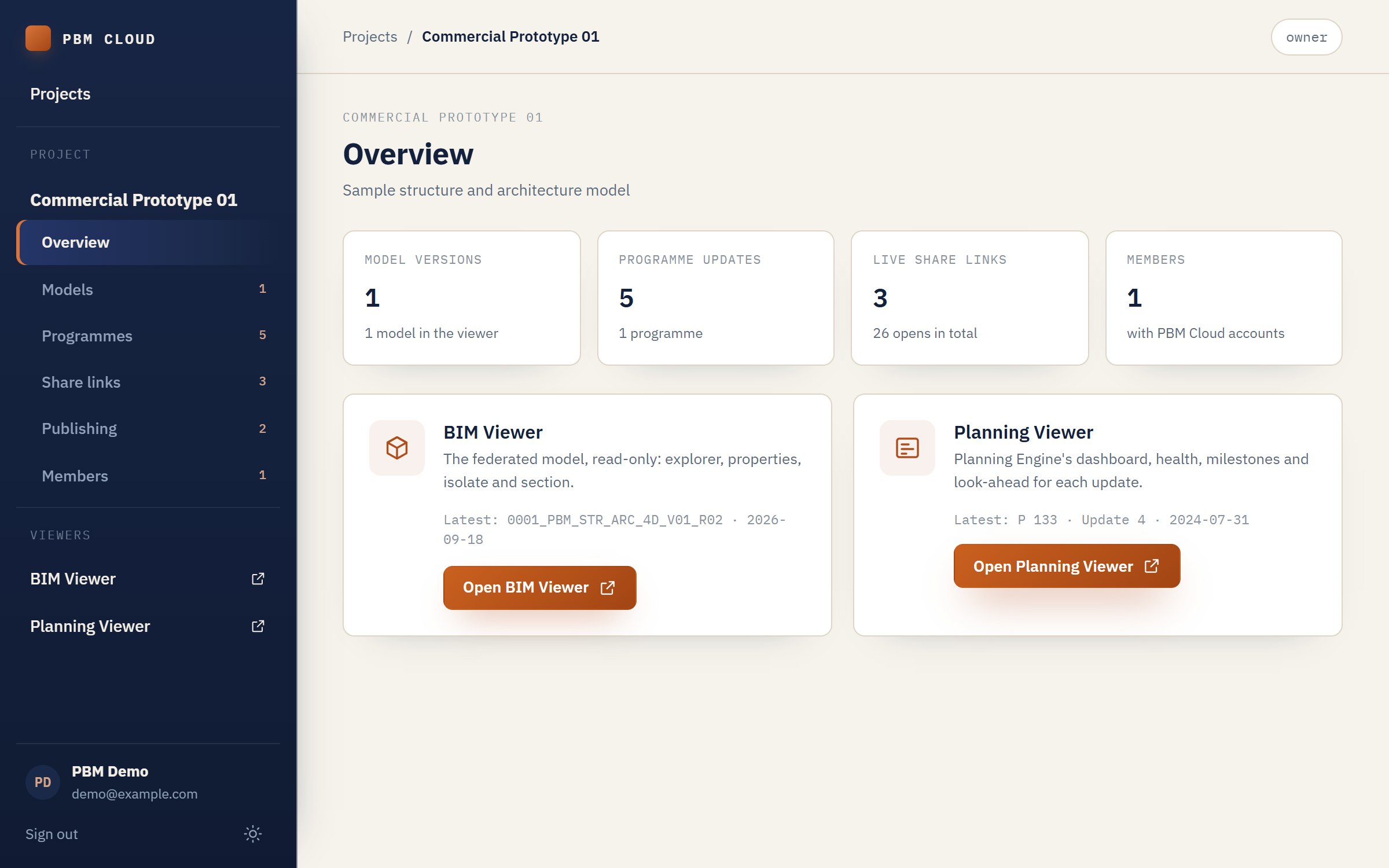
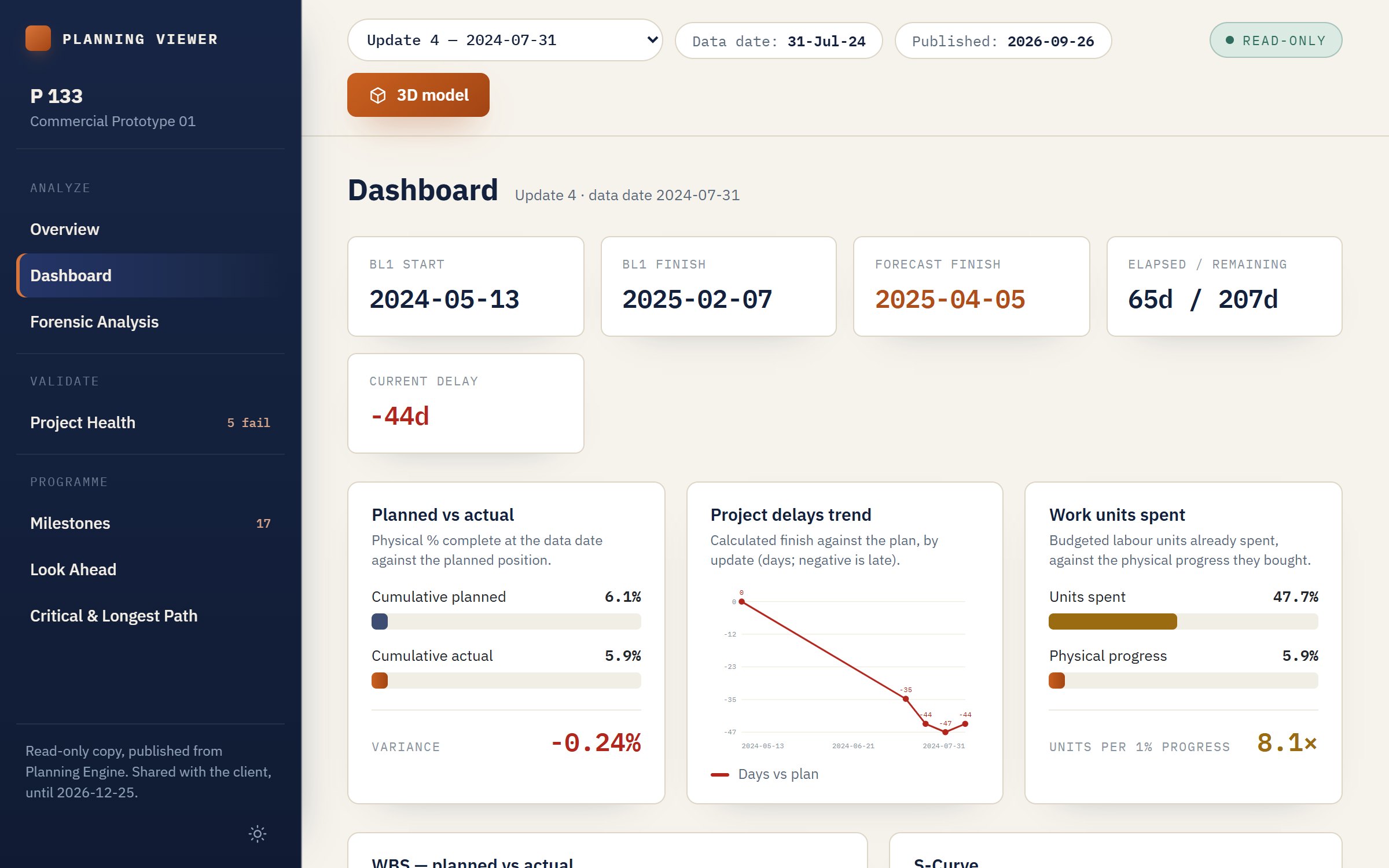
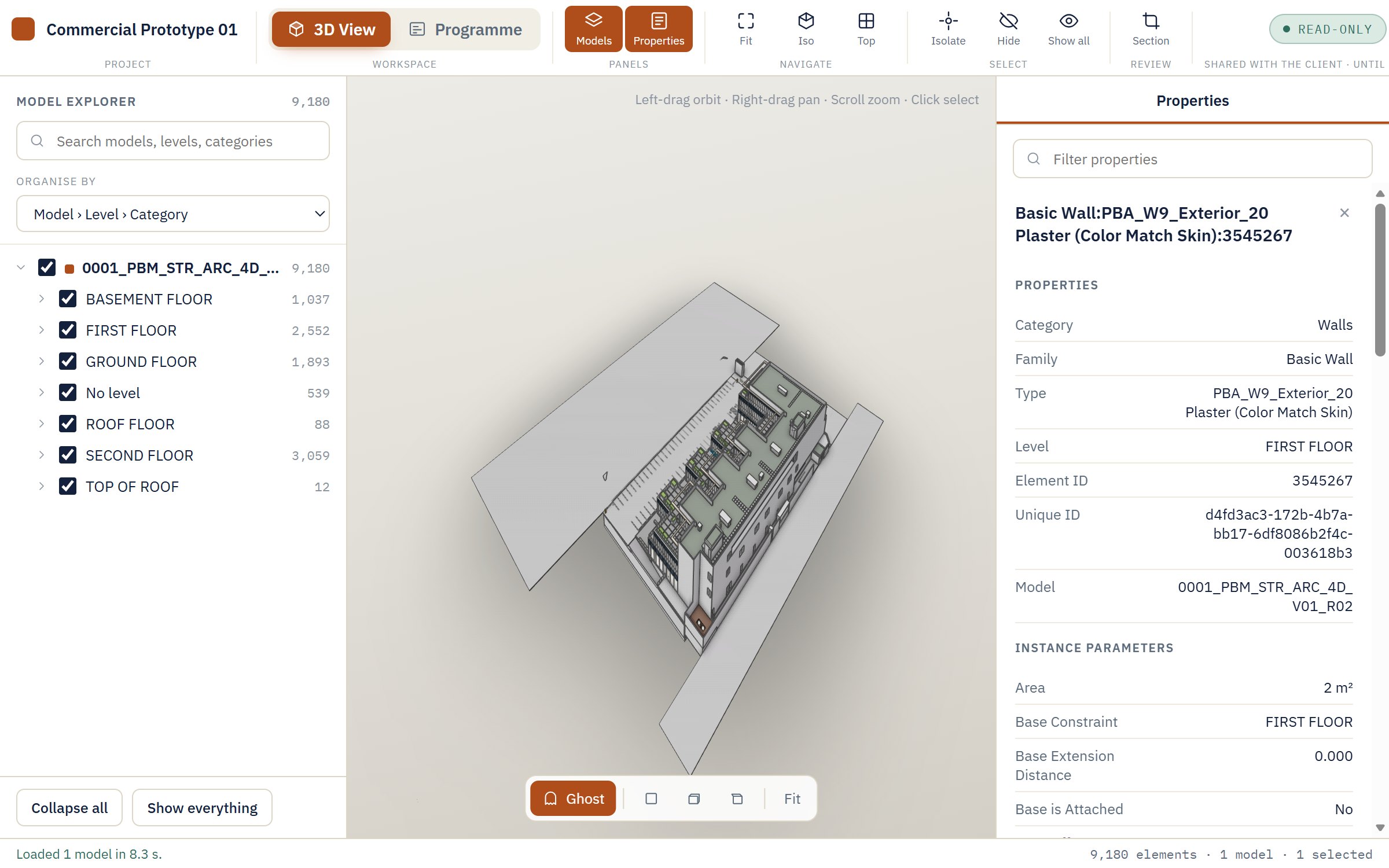
- What you publish: models, programme updates and 4D links sent from the engines to a PBM Cloud project. Costs, rates, prices and money budgets are never sent by the engines, and PBM Cloud removes any such fields that arrive.
- Sign-in and security records: active sign-in sessions, a log of security events (for example sign-ins, password changes and changes to share links), and records of recent attempts used to block repeated sign-in or form abuse. These records can include your email address or IP address.
- Demo requests and feedback: what you write in the website's demo form (name, email, company, role, interest, message) and in "Send feedback". For demo requests we keep a scrambled form of your IP address, not the address itself.
Why we use it
- To run your account, licences and devices, and to show what you publish to the people you share it with.
- To send the emails the service needs: verifying your address, resetting your password, project invitations, and replies to licence and demo requests. We do not send marketing email without your consent.
- To keep the service secure and to fix problems you report.
Who can see your published work
A PBM Cloud project is visible to its members and to anyone holding one of its share links. A share link is read-only, can expire, and the project's owner or editors can withdraw it at any time. PBM Dynamics staff see project details only when they need to for support or security.
Where it is stored, and who helps us
PBM Cloud runs on [hosting provider and region]. The website is served by [website host], and emails are delivered through [email provider]. We do not sell your data, and the website uses no advertising or analytics trackers. The website and the PBM Cloud app keep your theme choice, and when you sign in your session, in your browser's local storage.
How long we keep it
Account, licence and project data are kept while your account is open. Published items are kept until you remove them or close the project. Security records are kept for [retention period]. When you close your account we delete or anonymise your data within [period], except where we must keep records by law.
Your choices
You can ask to see, correct, export or delete your data, or object to how we use it, by writing to [privacy contact email]. You can remove published items and withdraw share links yourself in PBM Cloud at any time.
[Applicable data protection law and authority to be confirmed, e.g. Egypt's Personal Data Protection Law No. 151 of 2020, Saudi Arabia's PDPL, and the GDPR for customers in the EU.]
Terms of use
These terms apply when you use a PBM Dynamics engine or PBM Cloud. By activating an engine or creating an account you agree to them.
Licences
- Engines are licensed per person, per engine (or all engines together), on the number of devices your plan allows. A licence is for your own work and your organisation's work; it may not be shared, resold or transferred without our written agreement.
- After activation an engine works offline. It must reach PBM Cloud at least once every 30 days to keep the licence current.
- A free trial of [30] days is arranged on request (Book a demo, or write to us). The price you pay is the one on your invoice.
- People you share a project with open the viewers without a licence.
Your content
You keep all rights to the models, programmes and other material you publish. You give us permission to store it and show it to the people you share it with, only to provide the service. You confirm you have the right to publish what you upload, and that sharing it does not break an agreement with your employer or client.
Acceptable use
Do not try to get around licensing, reach data you have not been given access to, disrupt the service, or reverse-engineer the software except where the law allows it.
Availability and changes
We work to keep PBM Cloud available but do not guarantee it is uninterrupted. We may change or improve the software and these terms; we will tell account holders about material changes before they take effect.
Payment, cancellation and refunds
[Payment methods, billing period, cancellation and refund terms: to be set once payments are decided.]
Liability
The engines compute from the files you give them; you remain responsible for decisions you make with the results. [Limitation of liability, warranties and indemnity: for legal review.]
Ending your use
You can close your account at any time. We may suspend an account that breaks these terms, telling you why where we can.
Governing law and contact
These terms are governed by [governing law and courts]. Questions: [contact email].


 BIM Engine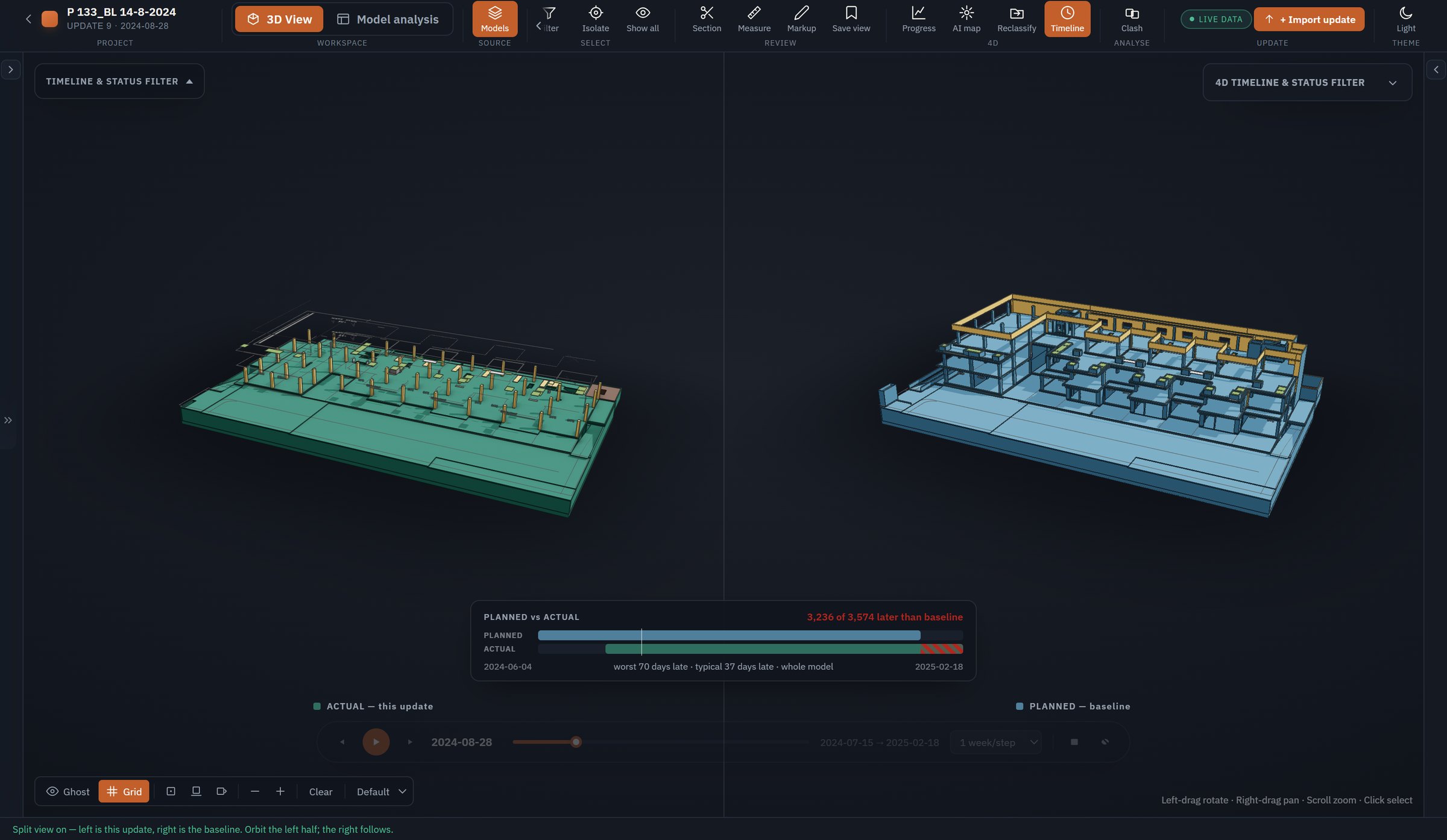
 4D Engine